Install Ollama in 5 Minutes: Run AI Free on Any Laptop (2026)
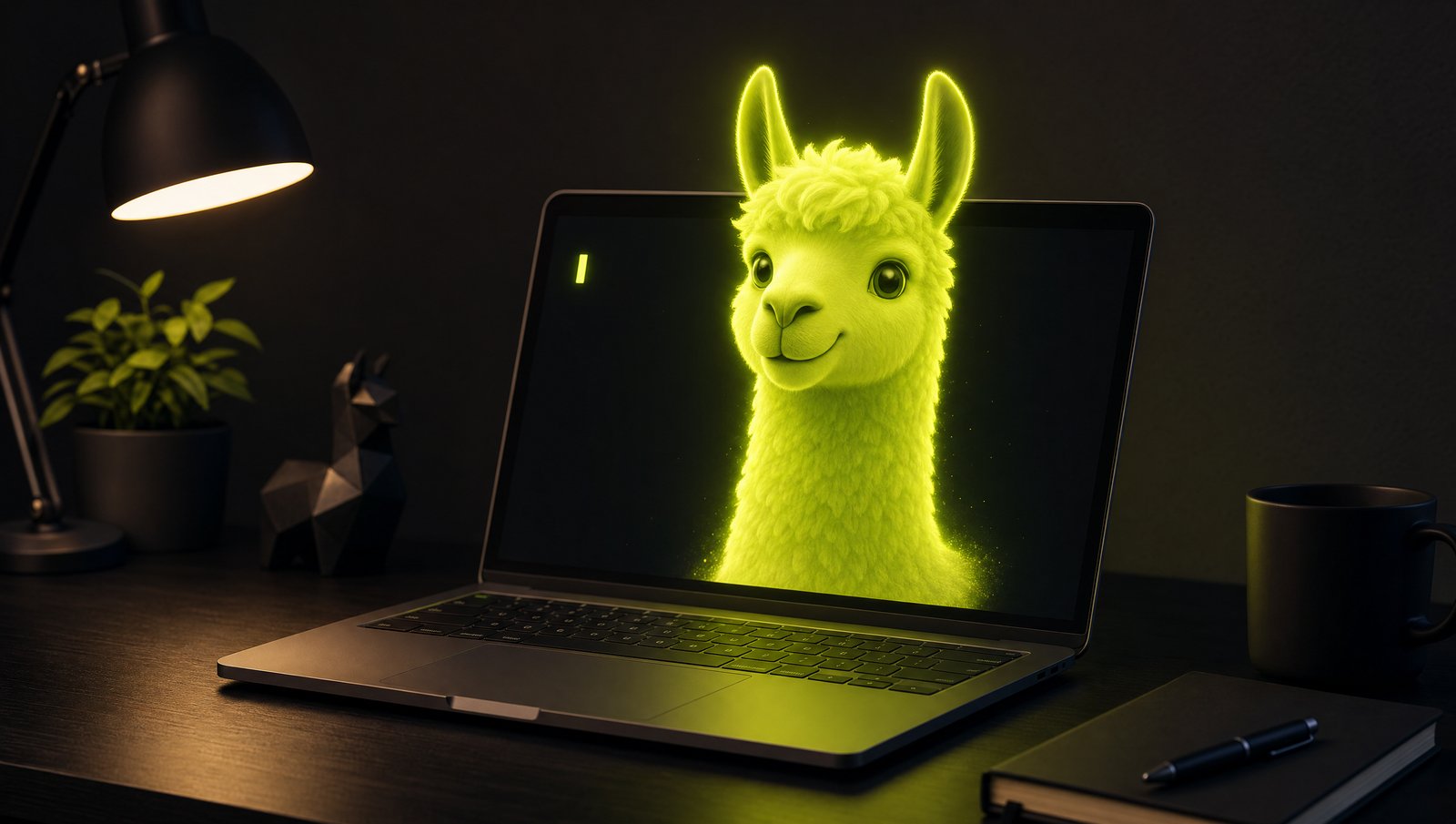
You don’t need a $20/month subscription to use powerful AI. You don’t even need the internet. With Ollama, you can run real language models directly on your own laptop — free, private, and offline — in about five minutes.
This is the single best starting point for “local AI.” Here’s the whole thing, start to finish.
Why Run AI Locally?
Three reasons people make the switch:
- It’s free. No subscriptions, no per-token billing, no limits.
- It’s private. Your prompts never leave your machine. Nothing is logged to a company’s servers.
- It works offline. On a plane, in a dead zone, or just paranoid — it doesn’t matter.
The tradeoff: local models can’t quite match the very best cloud models, and speed depends on your hardware. But for most everyday tasks, they’re shockingly good in 2026.
Step 1 — Download Ollama
Go to ollama.com and download the installer for your system (Mac, Windows, or Linux). Run it like any normal app. That’s the entire install.
On Linux, you can do it in one line:
curl -fsSL https://ollama.com/install.sh | shStep 2 — Run Your First Model
Open your terminal (on Windows, use PowerShell or Command Prompt) and type:
ollama run llama3.2The first time, Ollama downloads the model (a few GB — grab a coffee). After that, it loads instantly. When you see the >>> prompt, you’re talking to an AI running entirely on your own machine.
Try it:
>>> Explain quantum computing like I'm 10That’s it. You’re running local AI.
Step 3 — Pick the Right Model for Your Hardware
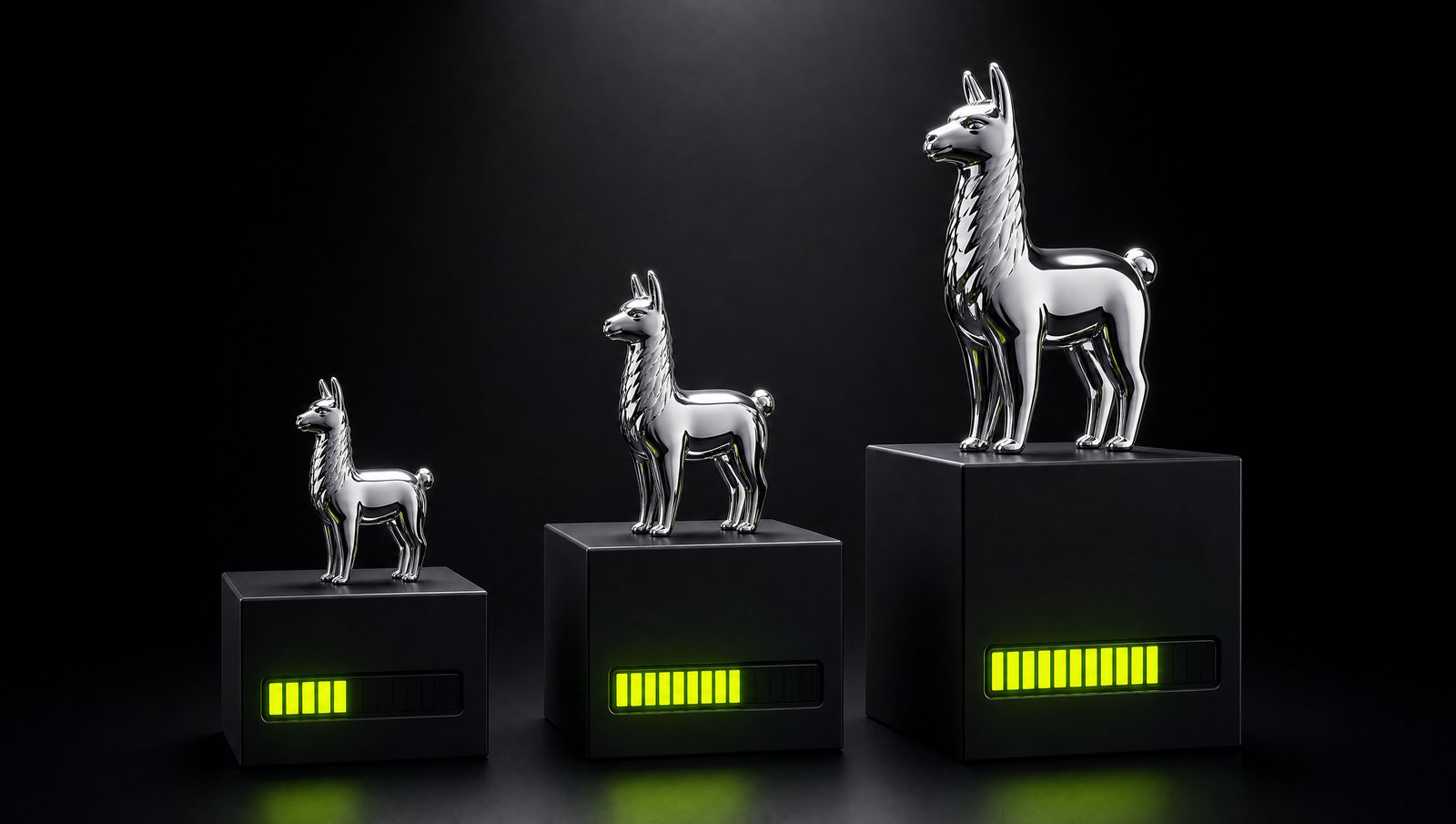
The model you choose should match your RAM. Quick guide:
| Your RAM | Good starting model | Command |
|---|---|---|
| 8 GB | Llama 3.2 3B | ollama run llama3.2 |
| 16 GB | Llama 3.1 8B | ollama run llama3.1 |
| 32 GB+ | Qwen 2.5 14B | ollama run qwen2.5:14b |
Want the full breakdown of which models run best on your exact machine? We made a dedicated guide: Best Ollama Models for 8GB, 16GB & 32GB RAM.
Step 4 — Useful Everyday Commands
ollama list           # see your installed models
ollama pull mistral   # download a model without running it
ollama rm llama3.2    # delete a model to free space
/bye                  # exit a chat session
Want a Nicer Interface?
The terminal works, but if you’d rather have a clean ChatGPT-style window, pair Ollama with Open WebUI — a free, private chat interface for your local models. We cover that setup in Run a Private ChatGPT on Your PC.
The Bottom Line
In five minutes you went from zero to running real AI on your own hardware — no subscription, no data leaving your laptop. Start with the model that fits your RAM, play with it for a day, and you’ll quickly see how much you don’t need a paid plan for.
When you eventually want a model bigger than your machine can handle, services like OpenRouter let you call frontier models pay-as-you-go — but for daily work, local is hard to beat.