Quantization in Plain English: 4-bit vs 8-bit vs 16-bit (2026)
If you’ve ever tried to download a local AI model, you’ve hit a wall of cryptic labels: Q4_K_M, Q8_0, fp16. These are quantization levels, and picking the right one is the difference between a model that runs smoothly and one that won’t fit on your machine.
Here’s the whole concept in plain English — no math degree required.
What Quantization Actually Is
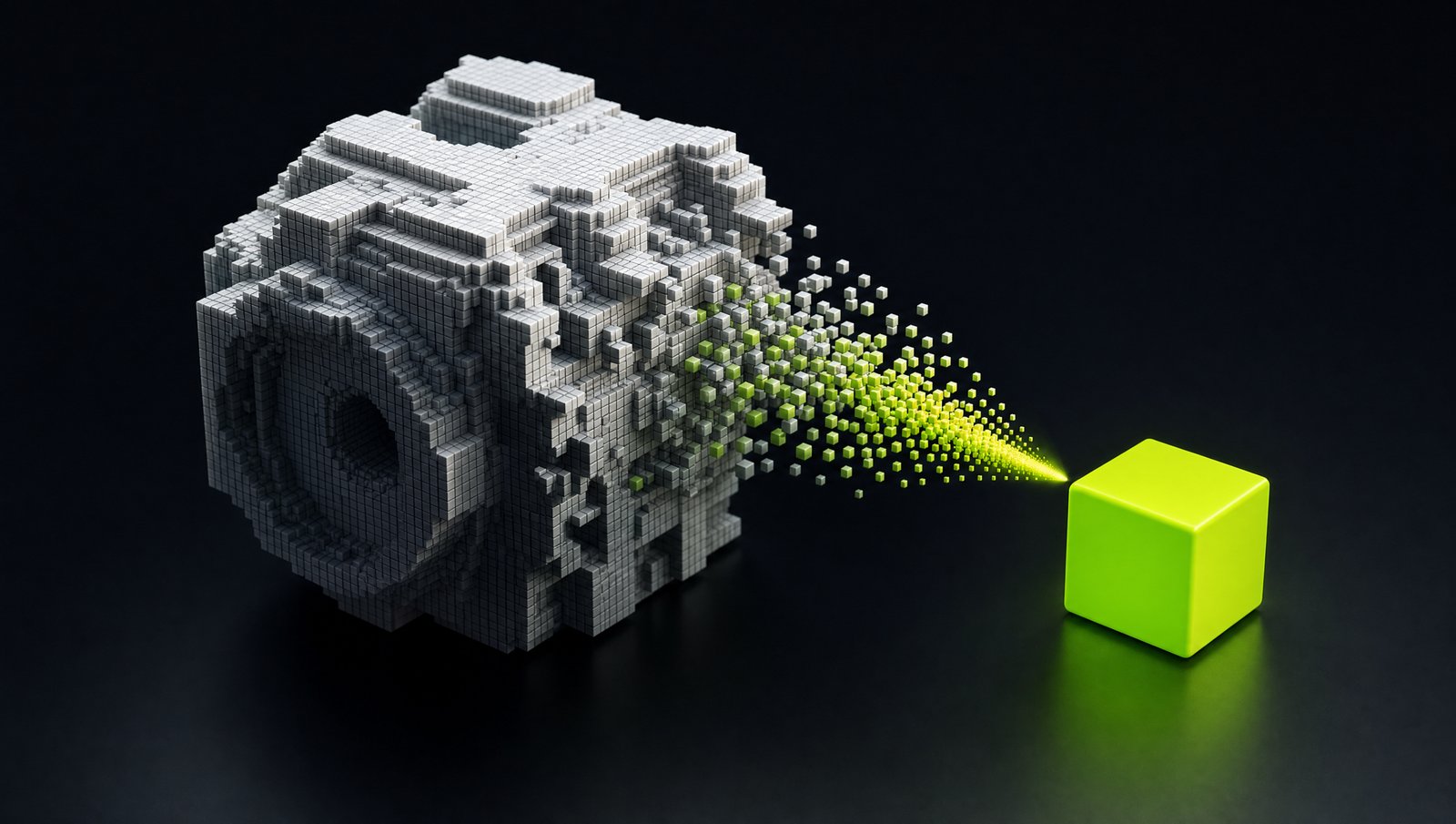
An AI model is just a giant pile of numbers (called “weights”). By default, each number is stored very precisely, using lots of memory. Quantization means storing those numbers less precisely to make the model smaller.
Think of it like image quality. A RAW photo is huge and perfect. A JPEG is much smaller and almost as good. Quantization is the JPEG of AI models — a little quality for a lot of space saved.
The Levels, Explained
| Level | Precision | Size | Quality | Use when |
|---|---|---|---|---|
| 16-bit (fp16) | Full | Largest | Best | You have tons of RAM/VRAM |
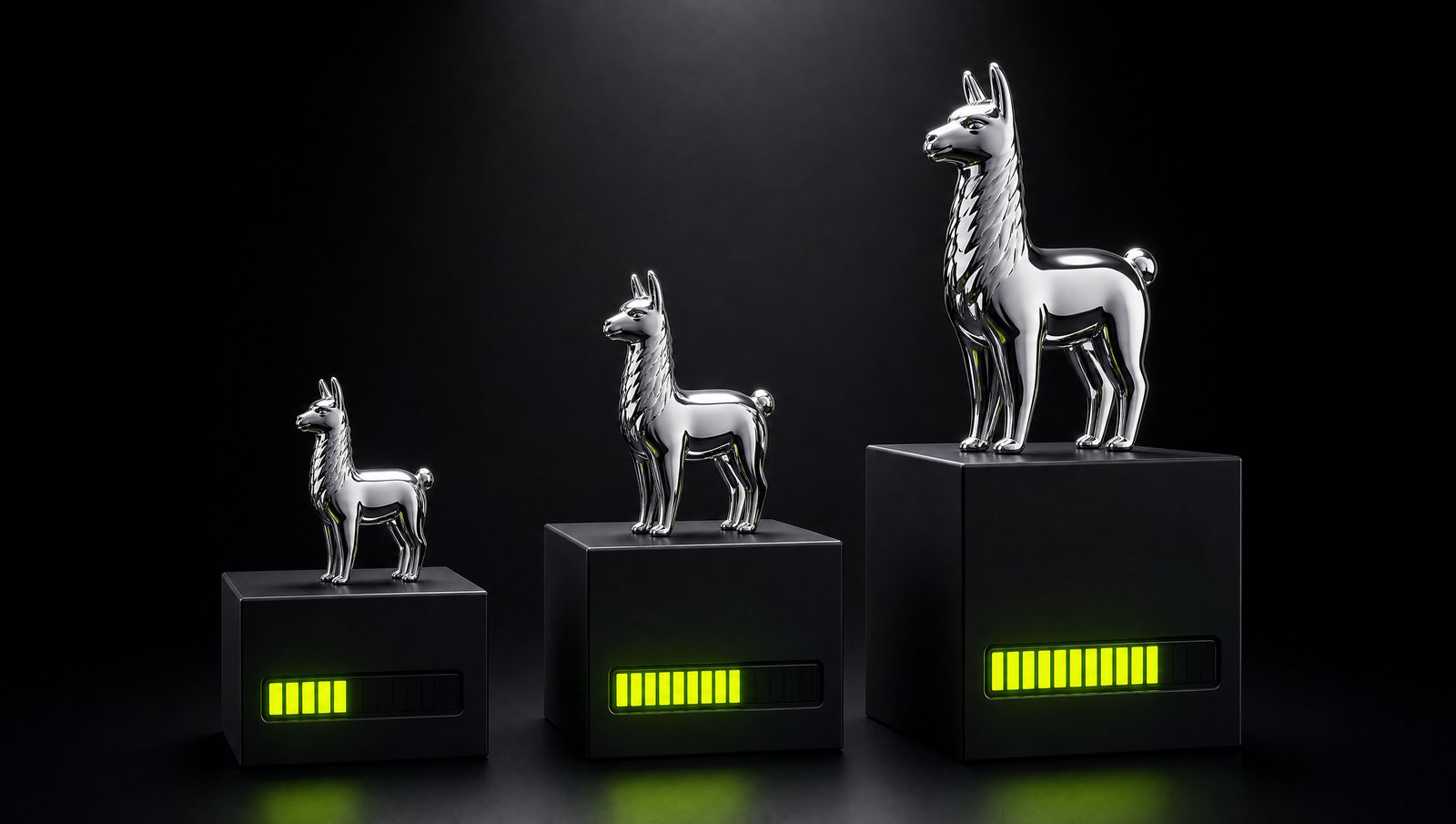
| 8-bit (Q8) | High | ~Half | Near-perfect | Sweet spot if it fits |
| 4-bit (Q4) | Lower | ~Quarter | Very good | Most people, most of the time |
| 2-bit (Q2) | Very low | Smallest | Noticeably worse | Last resort to fit a big model |
The surprising part: 4-bit models are shockingly good. You can shrink a model to a quarter of its size and most people can’t tell the difference in everyday use. That’s why 4-bit is the default recommendation.
Decoding the Labels (GGUF)
When downloading GGUF models, you’ll see names like Q4_K_M. Here’s the decoder:
- Q4 = 4-bit quantization
- K = a smarter “K-quant” method (better quality than old methods)
- M = Medium size variant (there’s also
Sfor Small andLfor Large)
Q4_K_M is the one to grab for most situations — the best balance of size and quality. If you have memory to spare, Q5_K_M or Q8_0 give you a touch more quality.
What You Actually Lose
At 4-bit and above, the quality loss is minor — slightly less nuance in complex reasoning, occasionally a weaker answer on hard tasks. For chat, writing, summarizing, and coding help, it’s rarely noticeable.
Below 4-bit (Q3, Q2), the model starts making more mistakes, repeating itself, or losing the thread. Only go there if it’s the only way to fit a model you really want.
The Practical Rule
Download the highest quantization that comfortably fits your RAM, starting with
Q4_K_M.
- Tight on memory?
Q4_K_M. - Room to spare?
Q5_K_MorQ8_0. - Desperate to run something huge?
Q3and accept the quality hit.
Want to know which model size fits your machine in the first place? See Best Ollama Models for 8GB, 16GB & 32GB RAM. Good news: tools like Ollama pick a sensible quantization for you automatically, so you often don’t have to think about this at all — but now you know what those labels mean.